
How to Generate an Unforgettable Car AI Video (Step by Step)
Put yourself into the viral Unforgettable Car trend (the 24 card car reveal) from one photo: every step with screenshots, what it costs and tips for the best result.
Oct 15, 2026
The Unforgettable Car trend, also called the 24 card car reveal, is the clip set to "Unforgettable" by French Montana: on the line about 24, someone holds a 2 card and a 4 card up to the camera, swipes a hand across the lens, and a car is suddenly parked behind them. With the Unforgettable Car AI Generator you need one photo and a few minutes: the AI puts that person in place of the one holding the cards and keeps the lot, the cards, the car, the camera and the original sound. This guide shows every screen.
1. Open the generator
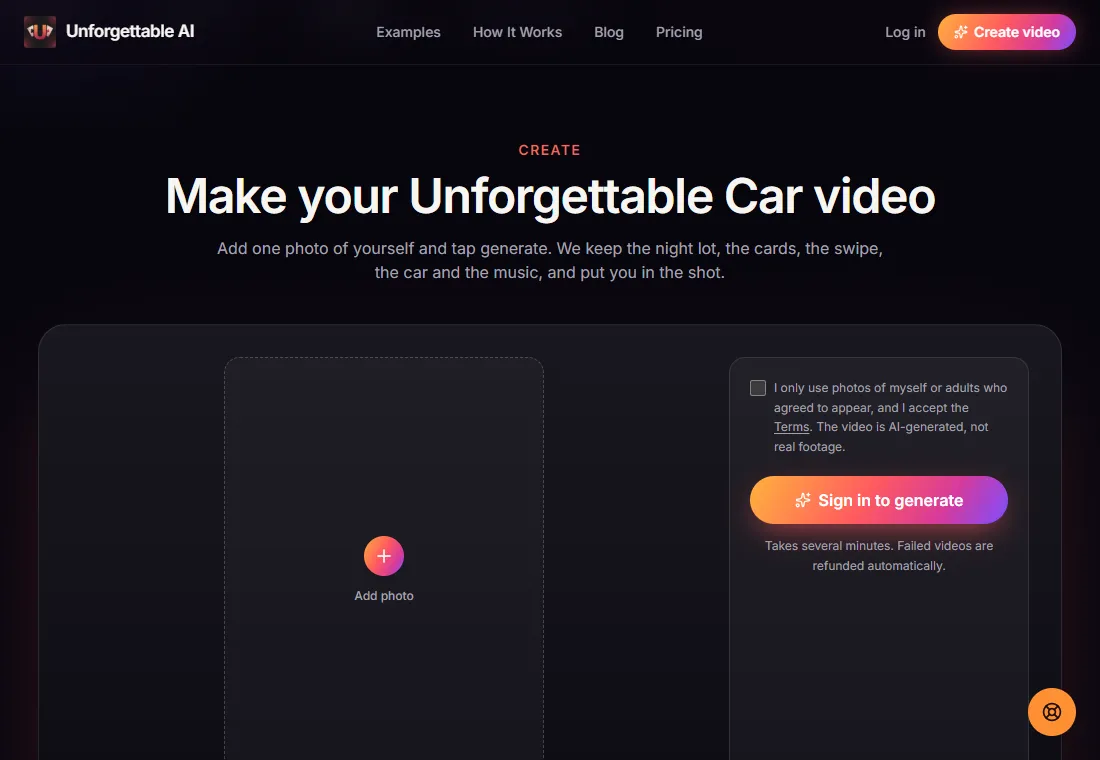
Go to unforgettableai.app and scroll to Make your Unforgettable Car video, or click Create video at the top. Signed out, the generator shows where your photo goes and asks you to sign in before you generate.
2. Sign in
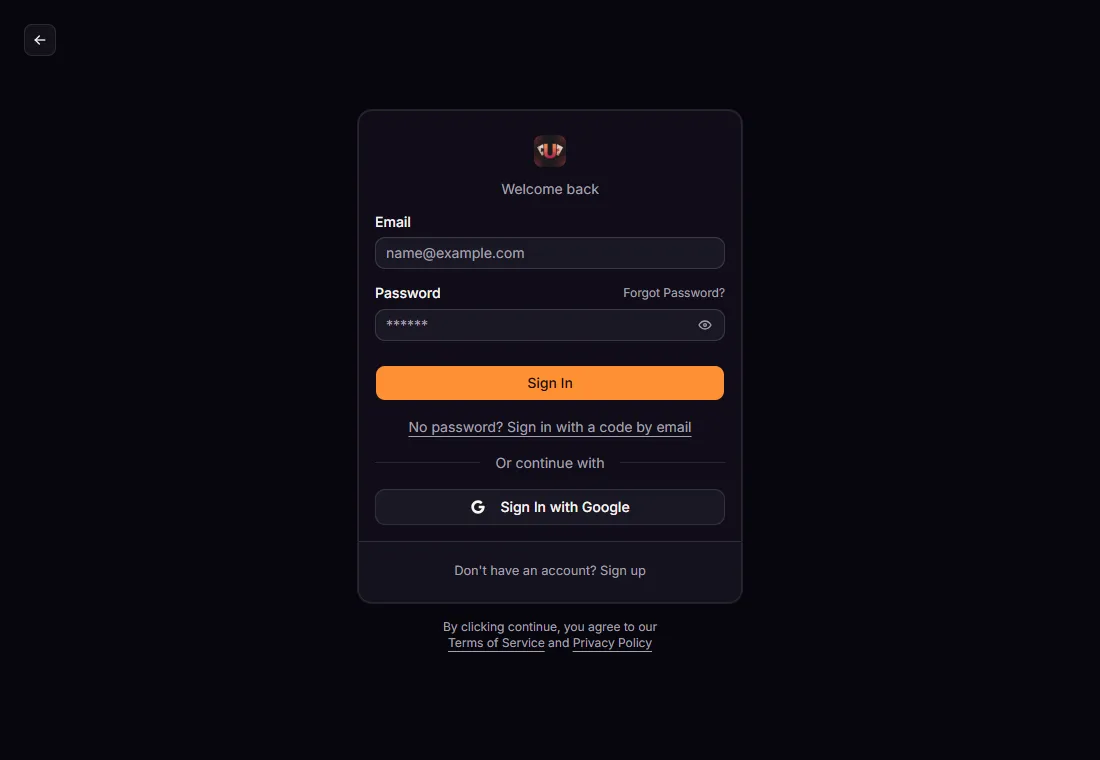
Sign in with Google, with your email and a password, or with a 6-digit code we email you (no password needed). The videos you buy and the videos you make are tied to this account.
3. Buy videos
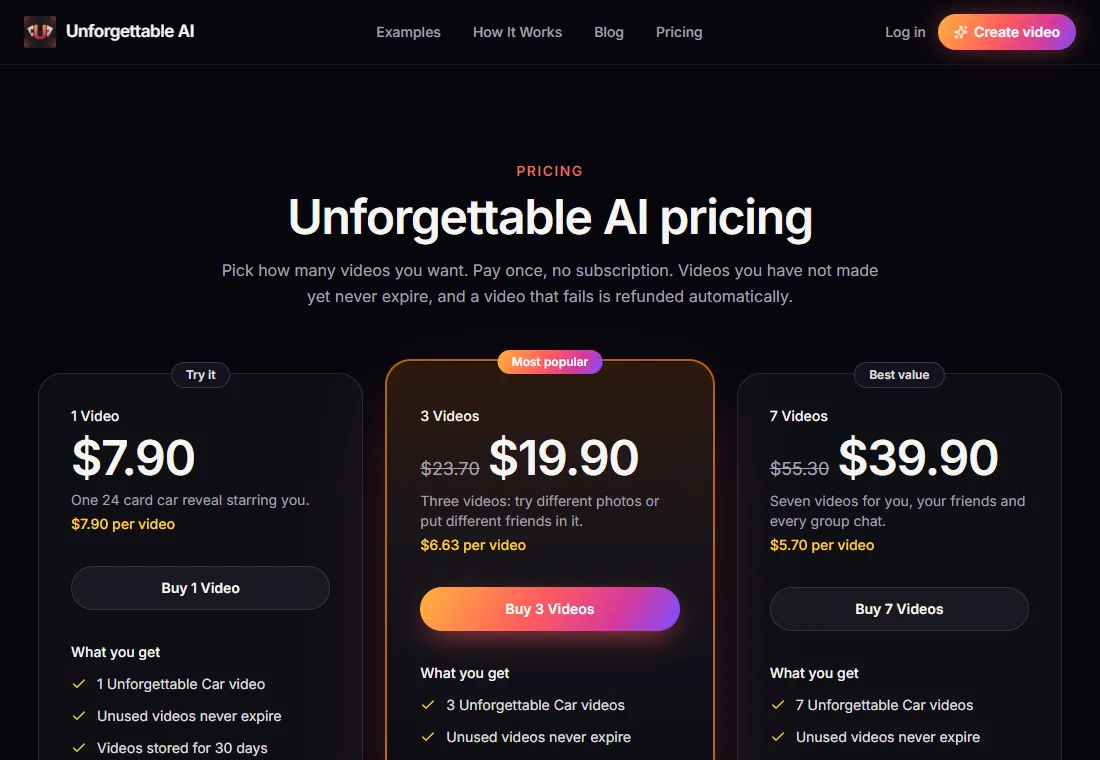
Videos come in one-time packs; there is no subscription and no free generation. Every video is the same 15-second, 16:9 clip with the original sound, and videos you have bought but not made yet never expire:
| Pack | Price | Per video |
|---|---|---|
| 1 Video | $7.90 | $7.90 |
| 3 Videos | $19.90 | $6.63 |
| 7 Videos | $39.90 | $5.70 |
4. Add one photo
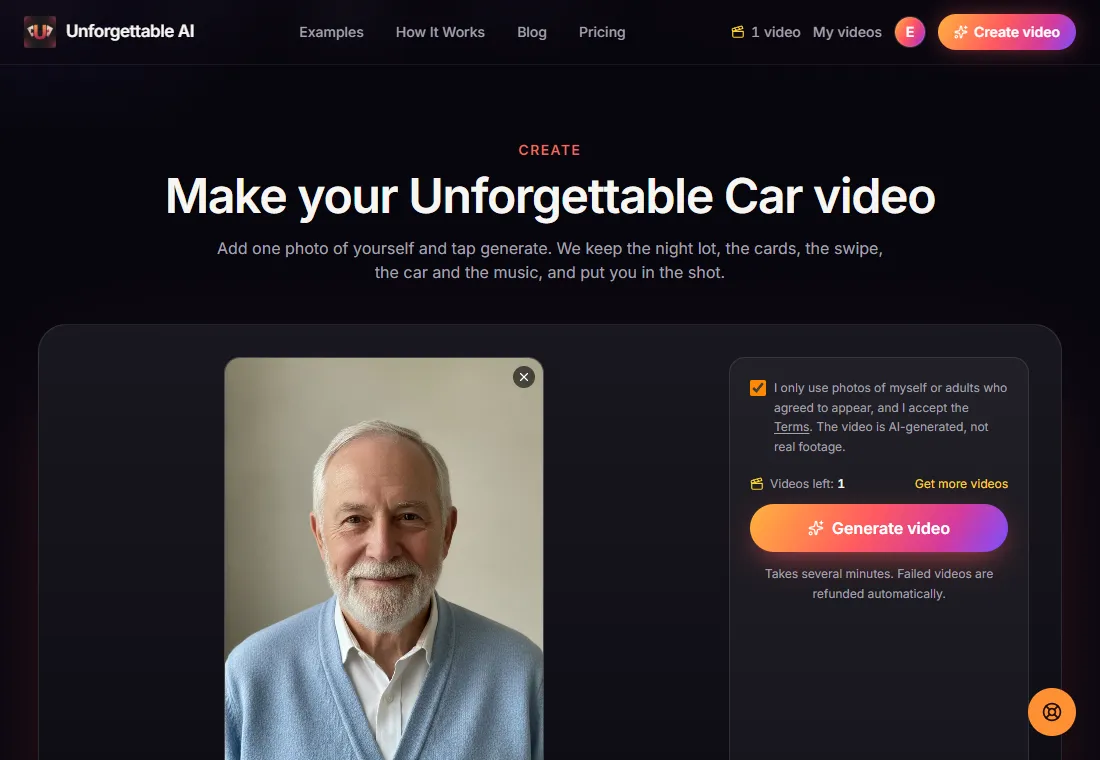
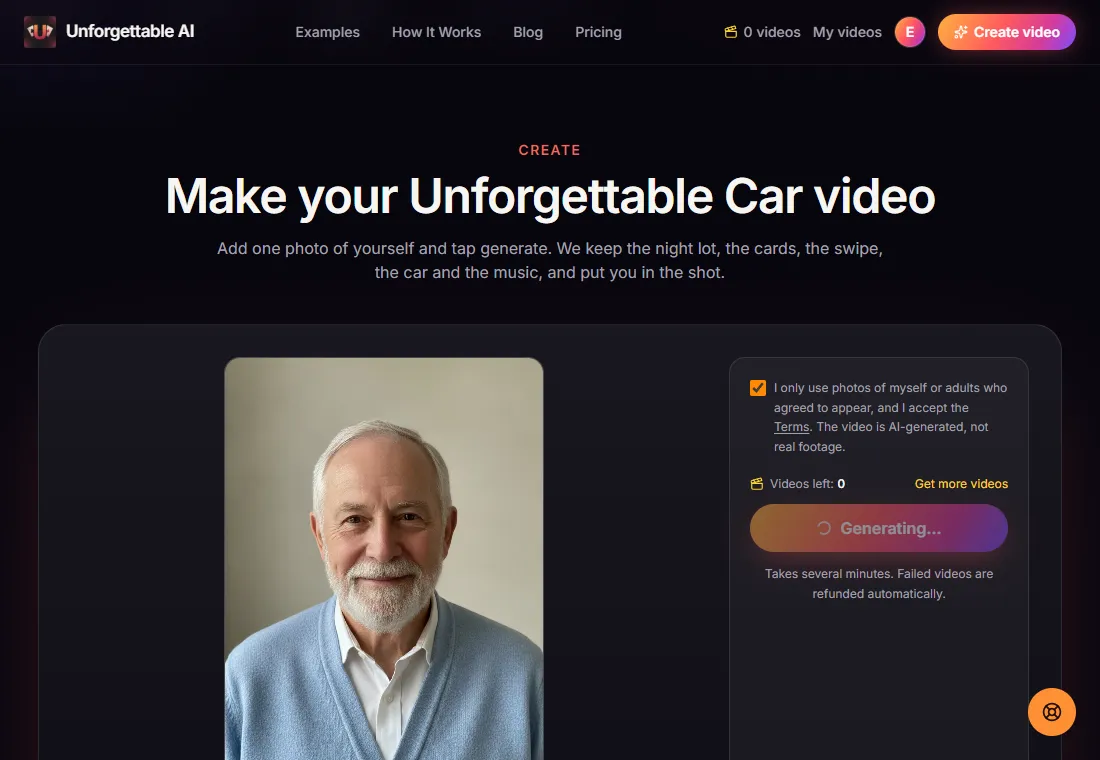
Back on the generator, add one photo of one person: the person who will hold up the 2 and the 4. What works best:
- Front-facing, eyes visible, no sunglasses or hat, even light.
- Upper body in the frame, not just a tight face crop: the AI copies the clothes you are wearing too.
- Only you in the photo, no other people or cars.
Then tick the box confirming the photo shows you or an adult who agreed. Photos of celebrities, public figures or minors are not allowed.
5. Generate
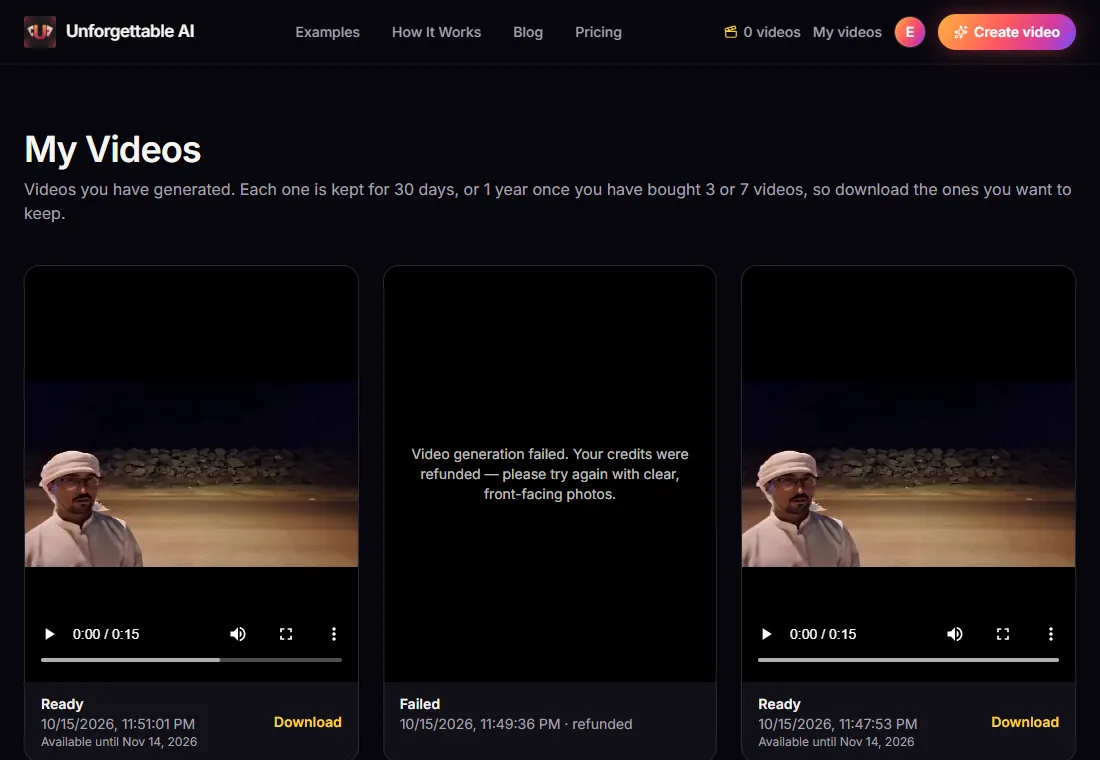
Click Generate. One video from your pack is used when it starts, and rendering takes several minutes. You can close the tab; the video keeps rendering and appears in My videos. If a render fails, the video comes back to your account automatically. With no videos left, Generate opens the three packs instead.
6. Download and post
When it is done, download the MP4 from the generator or from My videos. You get the full 15-second, 16:9 clip with the original sound. Turn on the platform's AI-generated label when you post.
What to expect
- The person holding the cards becomes you. The cards, the swipe, the camera and the timing stay as in the original clip.
- Optional, at no extra cost: add a photo of what should appear instead of the car (another car, an animal, anything) and one of the place. Without them the video ends with the original car on the night lot.
- The face is closest when the photo is front-facing. Results are AI-generated and a likeness is not guaranteed.
Ready? Open the generator or see pricing first.
Make your Unforgettable Car AI video
One photo in, the 15-second clip out, with the original sound.
Open the generator